How to turn a vector into a G-code file for use in a plotter. The machine is running GRBL and we’re using Universal G-code sender to run the job.
Need : https://winder.github.io/ugs_website/download/ and a script for Illustrator to export vector to GCode : ExportToGCode1.1.jsx
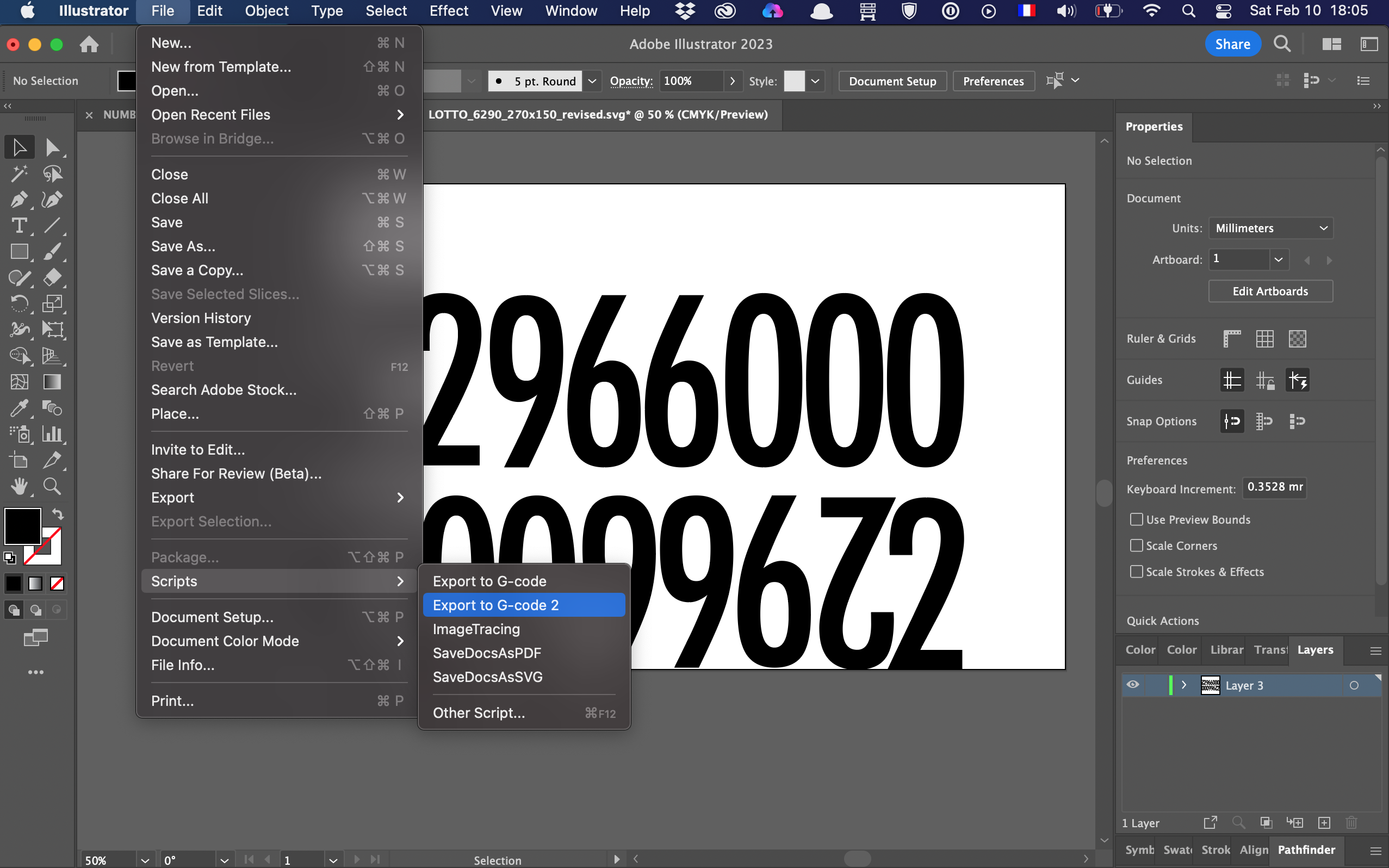
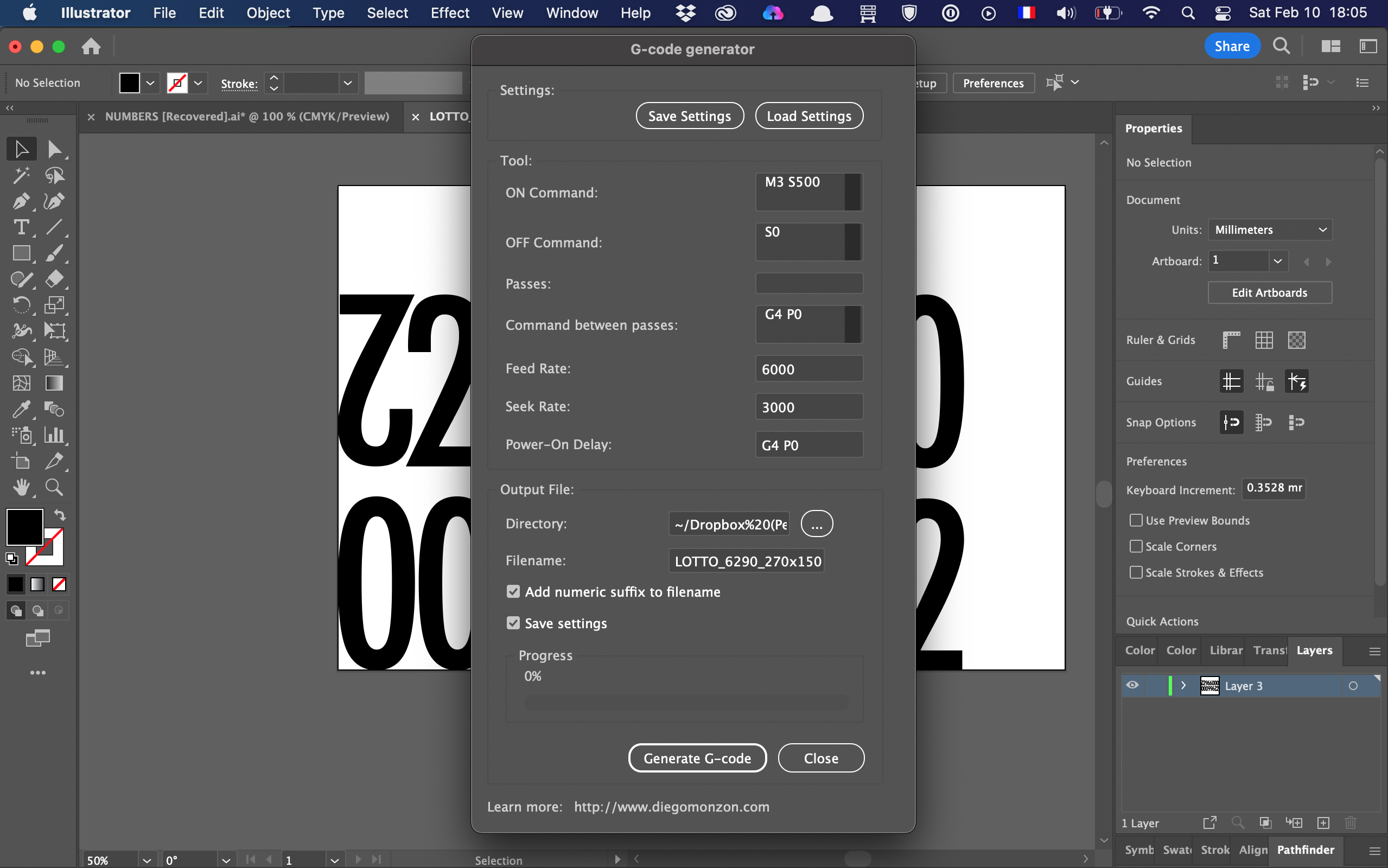
File/Scripts/Export to G code 2, all layers will appear on the G-code, even the hidden ones. Some exports can take a while, leave it to run in the event of a spinning pizza.
https://winder.github.io/ugs_website/download
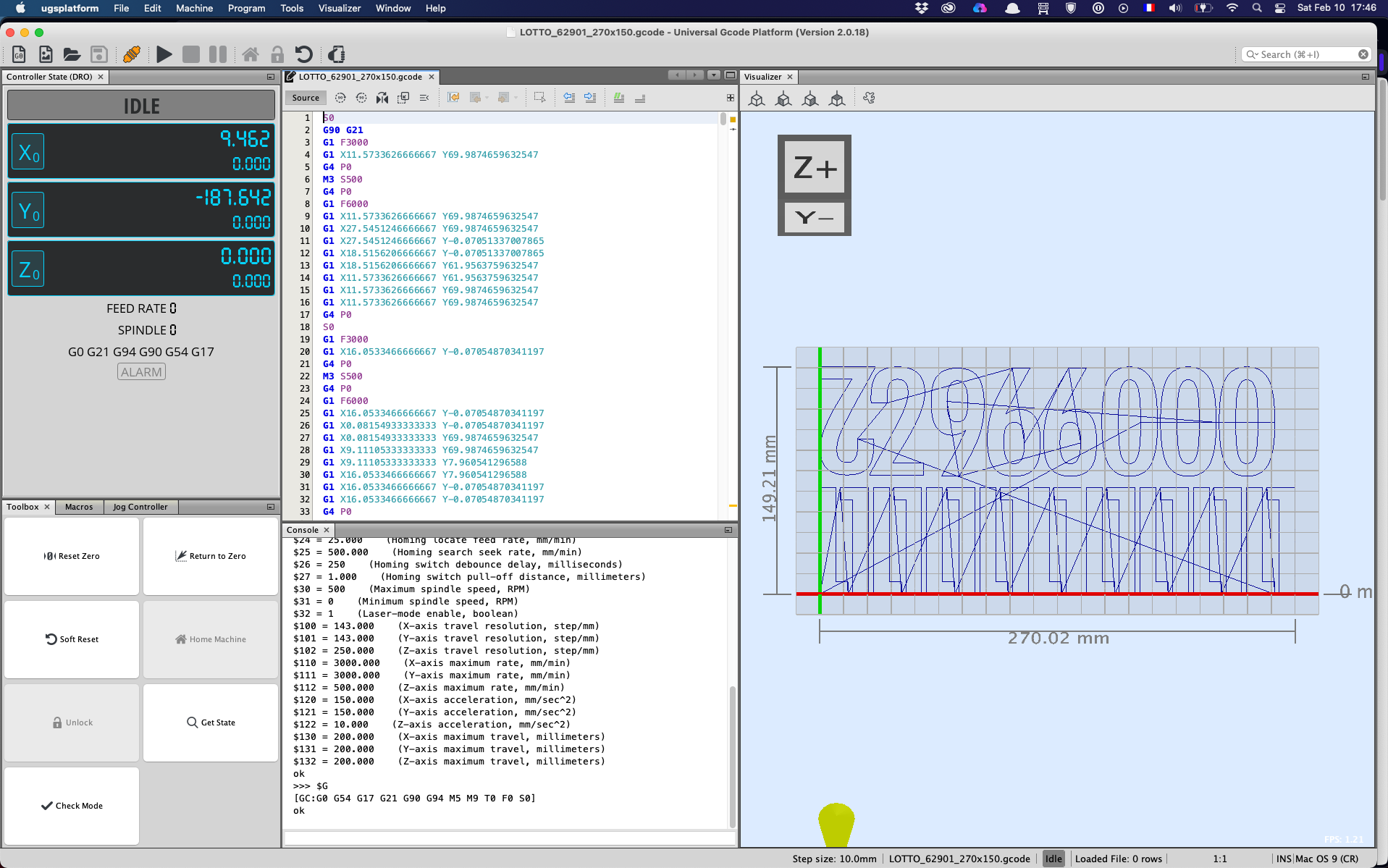
Now running Universal G-Code sender, connected to the plotter, File/import…
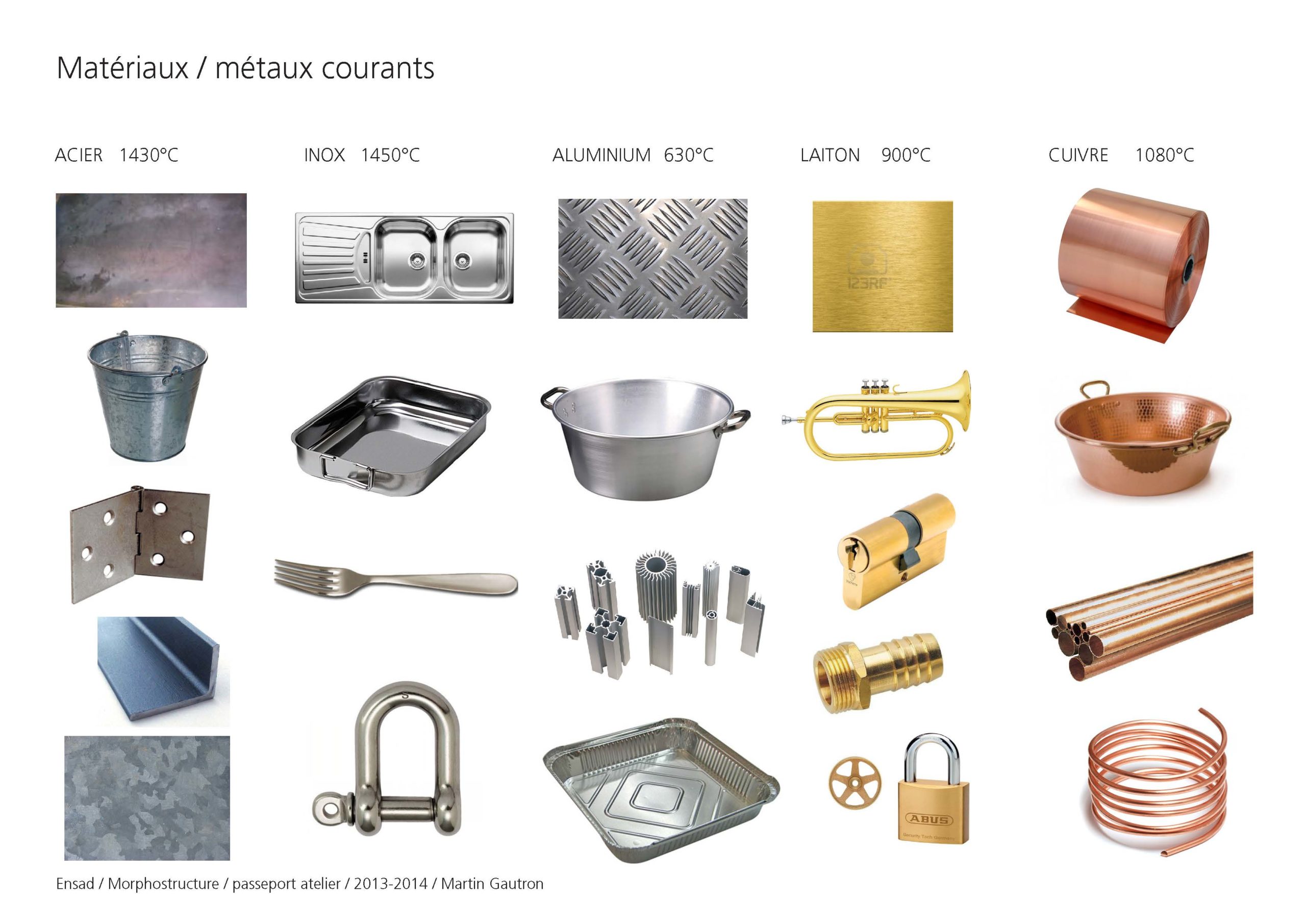
Among Materials, metal is one major ingredient in manufacturing. Its varieties are very interesting in different applications. Rust free, resistance to heat, ductility… And various forming processes offers also a wide range of applications.
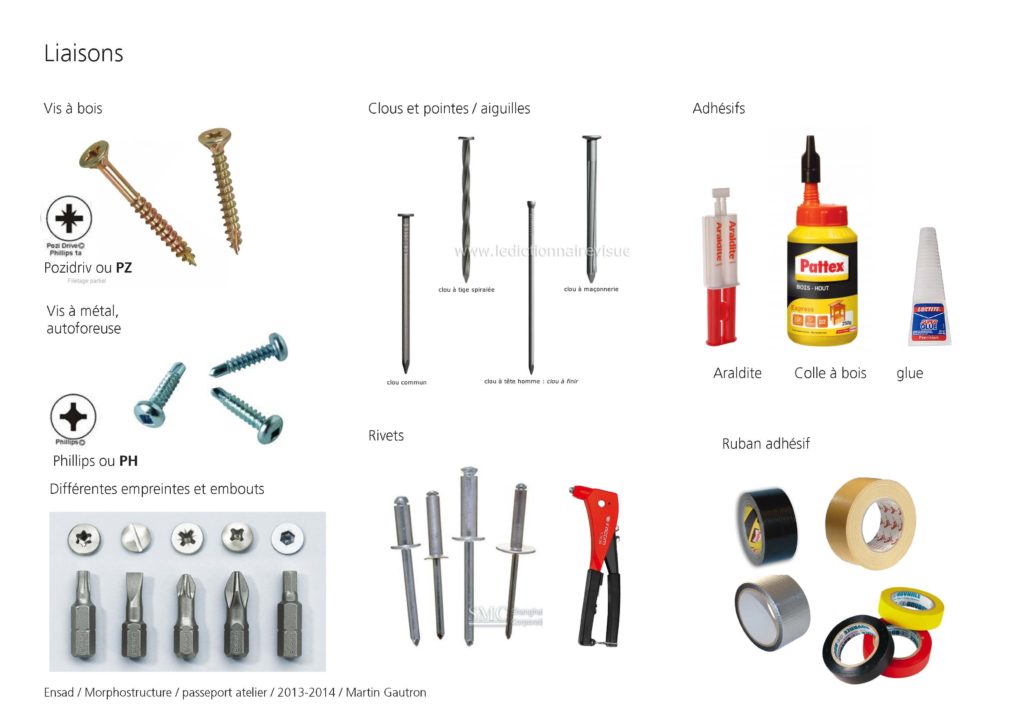
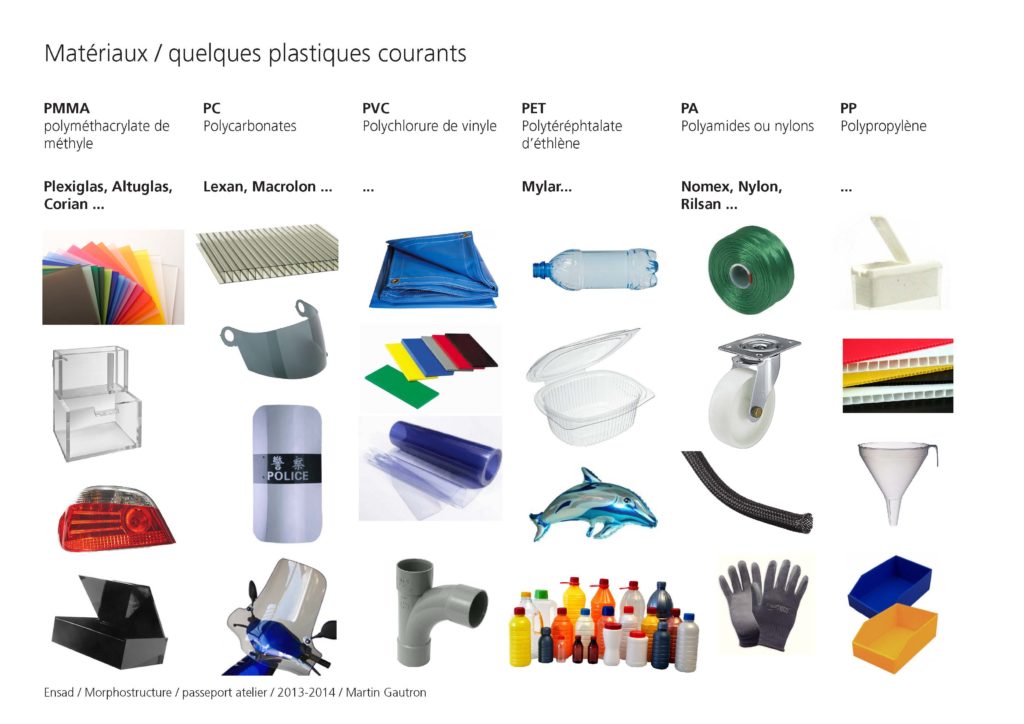
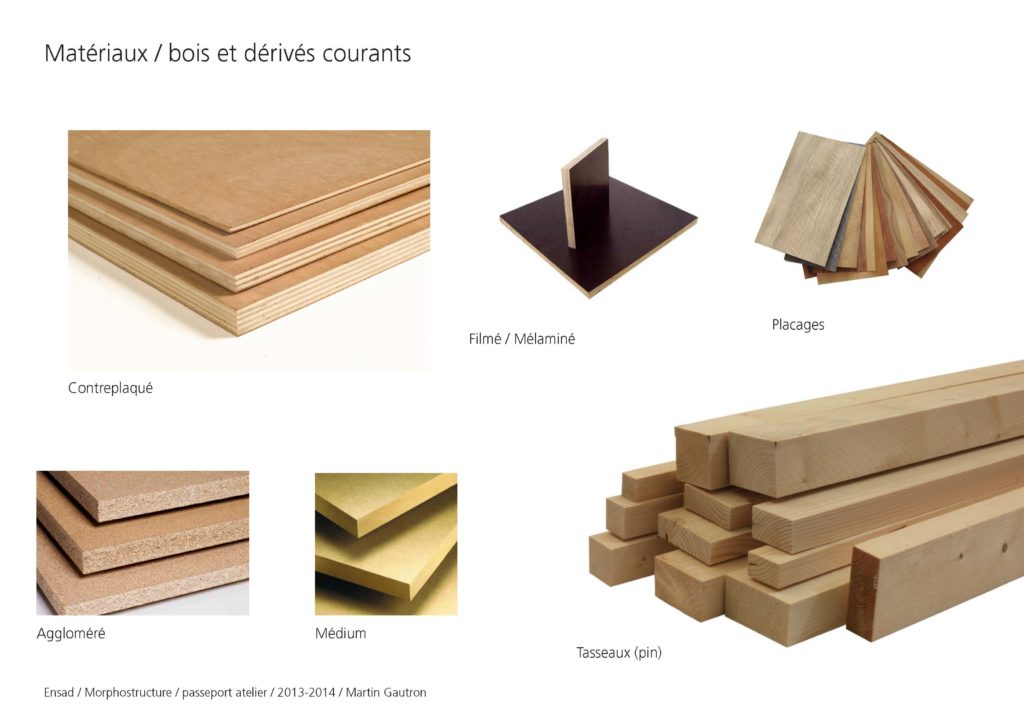
Here is a summary of the main ingredients of a workshop, made for shop access pass at the Arts Décoratifs school in Paris. In french, 31 pages.
This one is pretty tough to learn and tends to be regularly forgotten, to be learned again. There is always a point where the will to finish overcomes the standard precautions.
It is wise to double check your measurements-markings before performing a non cancelable operation like cutting or drilling. The amount of verification should be proportional to the sensitivity of the operation, scarcity or price of a material, previously invested time in the the part you are machining…
Example : you will check 36 times your marking if drilling in a piece of marble that you machined for 22h prior to that and for which you have no spare material.